
Websites
LiftApp
A genealogy indexing tool that puts a zoomable document viewer and a keyboard-first data table on one screen, so typists never look away from the record.
Year
2025
Role
Front-end Developer
Client
Lifewood Data Technology
Stack
React (Vite), Tailwind CSS, React Router, Lucide Icons, Supabase
Internal Lifewood tool, no public demo.
01
The problem
Transcribing old church records is slow and tiring work. The handwriting is faint, the names are unfamiliar, and a single record can hold details for dozens of people. Typists were jumping between a scanned image and a separate form, squinting at hard-to-read text, and losing their place row after row. The tools they had made an already hard job harder.
02
What I built
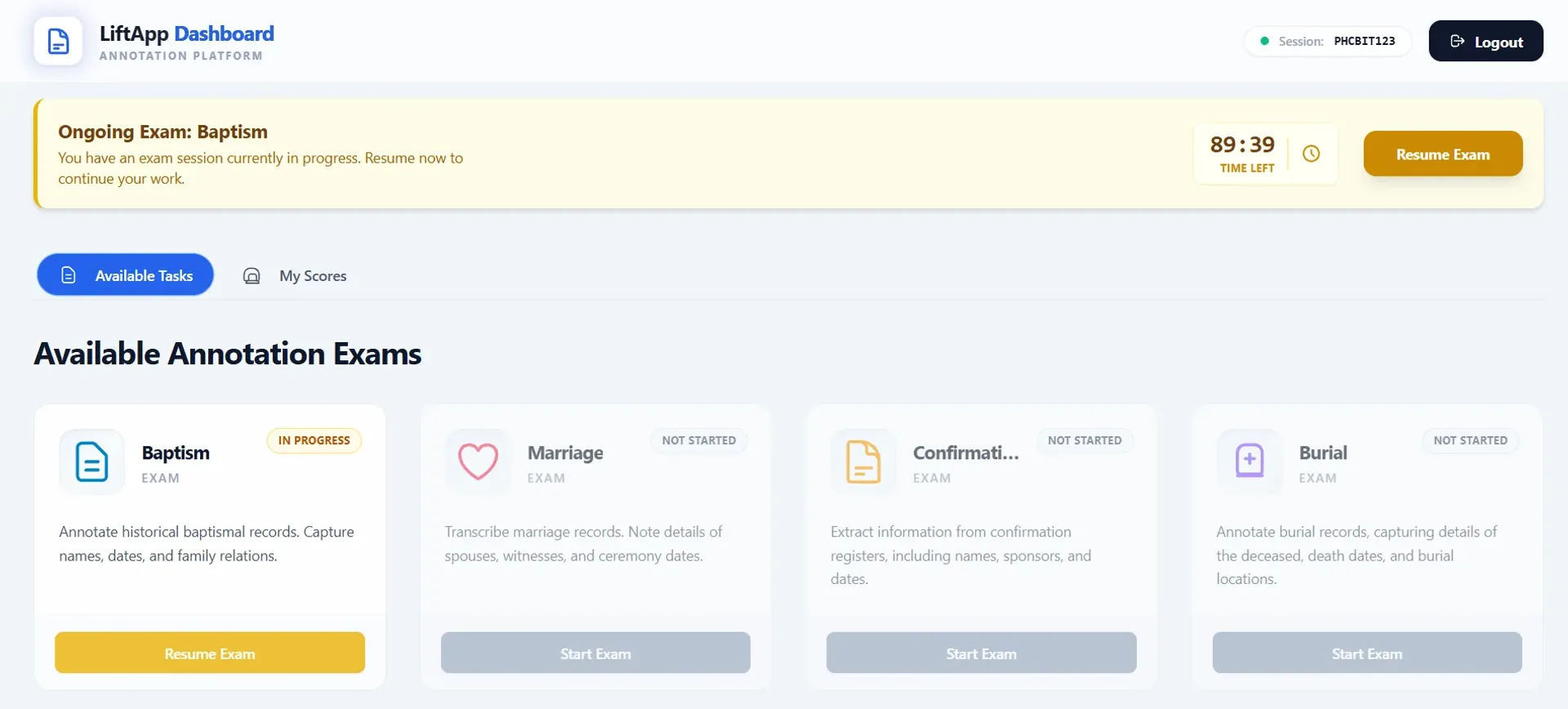
I built the front end of LiftApp, putting the document and the data table on one screen so typists can read a record and enter it without ever looking away. Workers log in with a company User ID, pick the record type (baptism or marriage) and start filling in structured fields like names, dates and parents.
Details that mattered
Reading aids built in
Adjustable contrast, brightness, zoom and a guideline help typists make out faded handwriting on the spot.
Keyboard-first data entry
Tab moves through fields and adds a new row at the end, auto-capitalises first letters, and inserts accented characters with a shortcut, so hands stay on the keyboard.
Admin dashboard UI
A separate panel surfaces images, answer keys, users and session progress, giving the team a clear view of what's done and what's left.
React and Vite run the interface, Tailwind handles the styling, React Router keeps the worker and admin sides separate, and the views connect to a Supabase backend for sessions and progress.
03
What I learned
Small ergonomic choices add up fast when people repeat the same action thousands of times. Saving a typist one extra keystroke per field really matters at scale. I also learned to design around real workflows instead of guessing: watching how someone moves between image and form changed how I laid things out. If I revisited it, I'd add auto-save and a side-by-side answer key check to catch mistakes earlier.