
Websites
Lifewood Training Platform
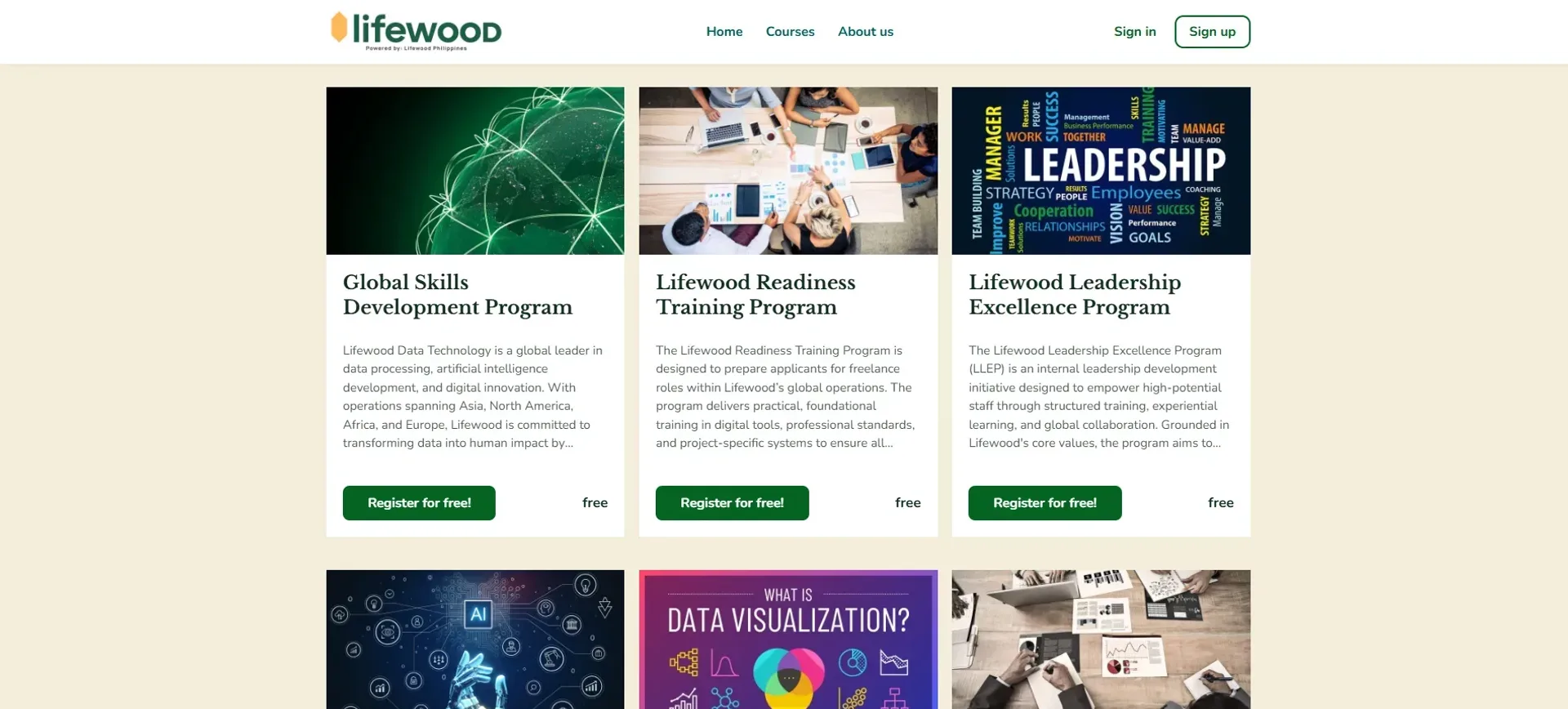
A branded learning platform delivering Lifewood's AI training courses, with enrolment, student accounts and a page builder the team runs themselves.
Year
2025
Role
LMS Developer
Client
Lifewood Data Technology
Stack
LearnWorlds (LMS), Custom HTML/CSS/JS, Page builder
Private LearnWorlds tenant, no public demo.
01
The problem
Lifewood needed a single place to deliver its AI training courses online. Without a real platform, there was no clean way to enrol learners, manage their accounts, or keep course content organised. The team also wanted to update pages and courses themselves, without depending on a developer every time something changed.
02
What I built
An LMS on LearnWorlds, customised to fit Lifewood's brand and training needs. Learners sign up, log in and work through structured AI courses, while the team manages everything from one dashboard.
What the platform had to handle
Branded course experience
Custom CSS and pages so the platform feels like Lifewood rather than a generic template.
Self-serve content editing
A page builder with a WordPress-style block editor, so non-developers can update pages and courses through a simple interface.
Full enrolment flow
Sign-up, profiles and social login through Google and LinkedIn make it easy for professionals to get started.
LearnWorlds powers the LMS and course delivery, custom HTML, CSS and JS handle the branding and layout, and the built-in page builder lets the team manage content on their own.
03
What I learned
This project taught me how to work within a hosted platform, balancing what I could customise against its built-in limits. I learned that handing content control back to the client is a feature in itself, not just a convenience. If I revisited it, I'd add clearer course progress tracking and a more guided onboarding flow for new learners.