
AI Tools
Vocumi Translator
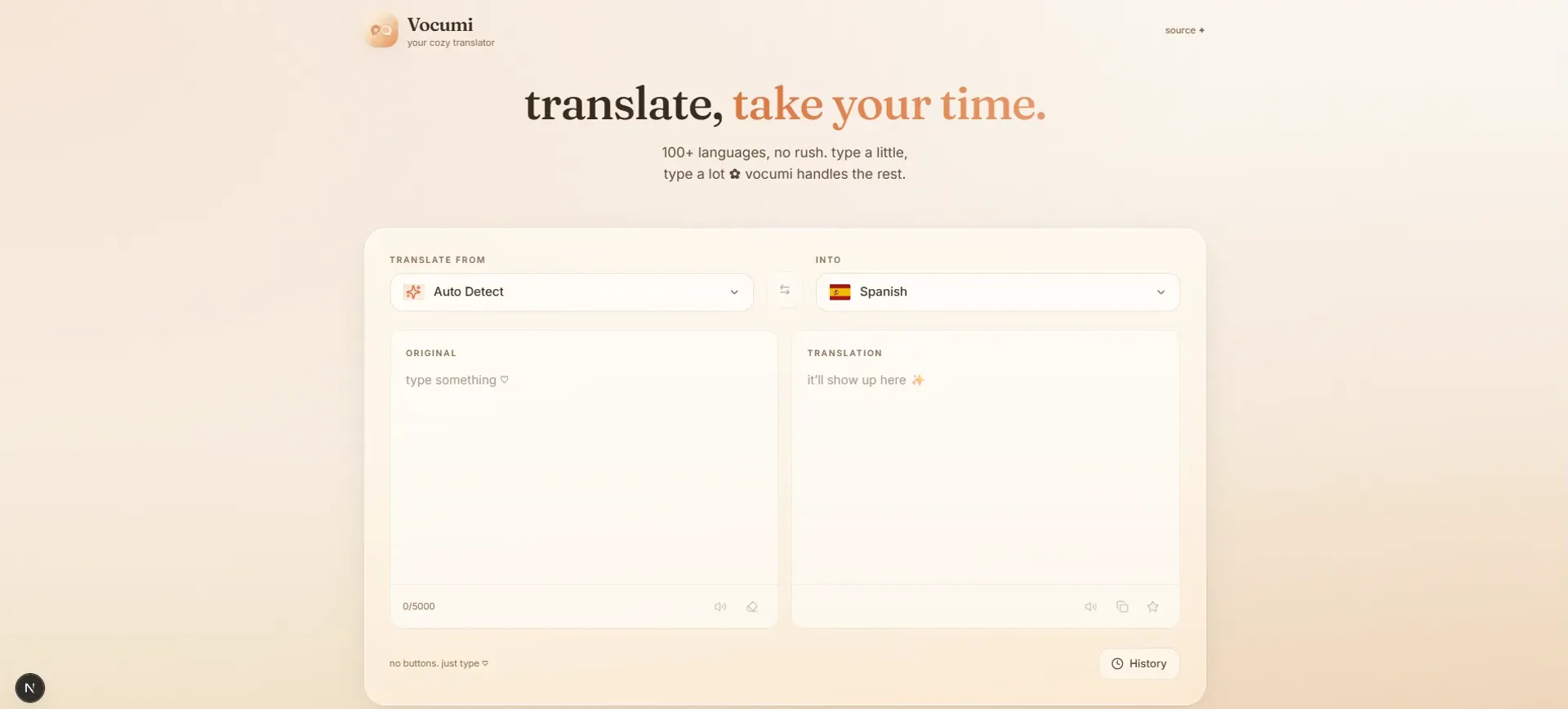
A calm translator covering 100+ languages that translates as you type, with auto-detect, text-to-speech and an automatic fallback provider.
Year
2025
Role
Front-end Developer
Client
Personal project
Stack
Next.js 15, React 19, TypeScript, Tailwind CSS, Framer Motion, Google Translate + MyMemory
01
The problem
Most translation tools feel cold and busy: harsh white screens, buttons to click, ads to dodge, and a layout that rushes you. I wanted the opposite: something quiet you could just type into and read, without the interface getting in the way.
02
What I built
Vocumi is a translator with a warm, cozy feel. You type, and it translates as you go. No buttons, no confirming, no rush. The whole thing leans on soft cream tones and a serif typeface for the translation itself, so reading feels gentle.
Small choices that add up
Translate as you type
A debounced input sends your text once you pause, so there's nothing to press.
Auto-detect with a confidence badge
It guesses the source language and shows how sure it is, rather than silently guessing wrong.
Resilient by default
Google is the primary translator, and if it stumbles MyMemory takes over automatically. No API keys needed, ever.
Next.js 15 with edge API routes, React 19 and strict TypeScript, Tailwind for the custom palette, and Framer Motion for the small animations that make it feel alive.
03
What I learned
How a tool feels matters as much as what it does. Small things like warm colours, the right serif, and removing buttons changed the whole experience. I also learned to plan for failure early. Building the MyMemory fallback from the start kept the app reliable without bolting it on later. If I came back to it, I'd add saved phrase collections and offline support.