
Websites
Lifewood Website
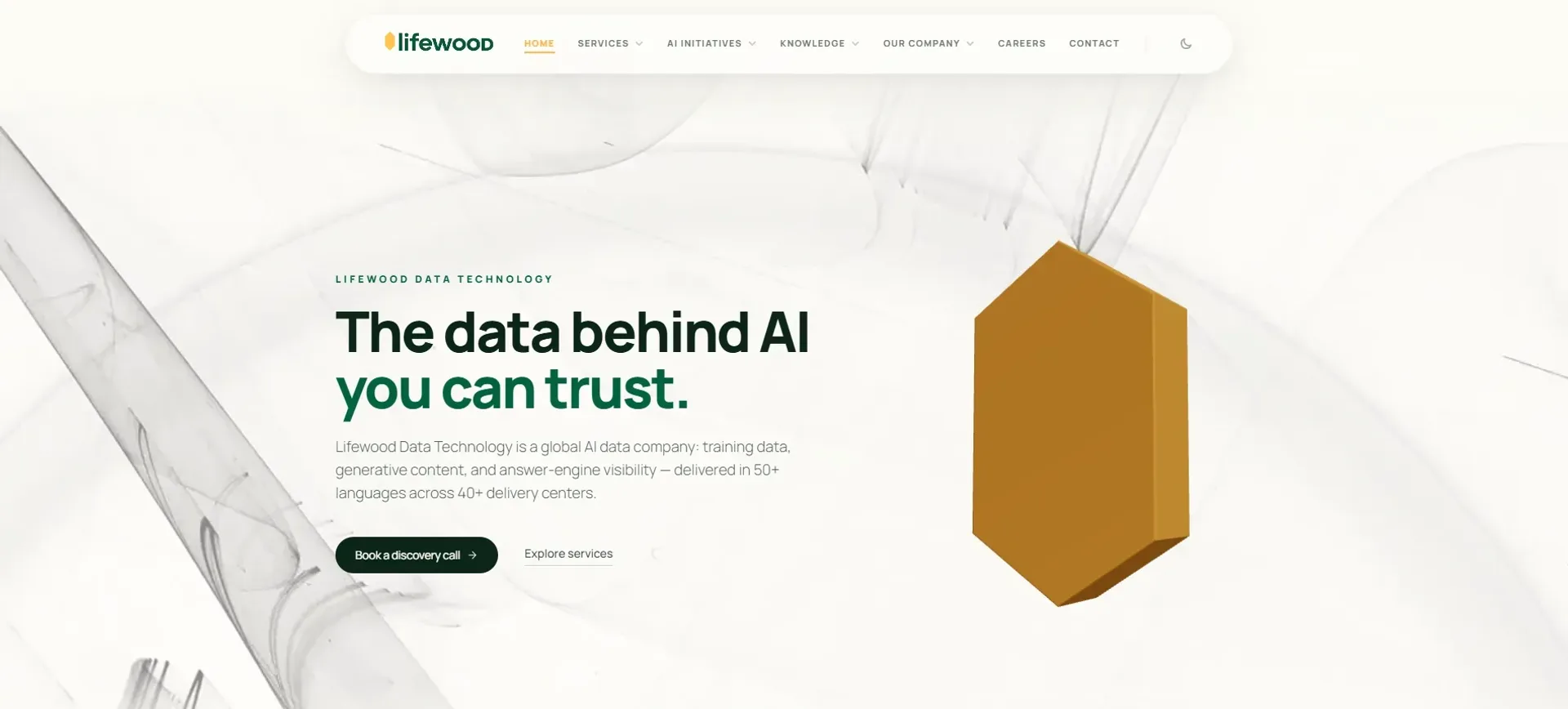
A content-rich marketing site for a global AI data company, built and maintained in Framer so the team can keep it current without a developer.
Year
2025
Role
Website Designer
Client
Lifewood Data Technology
Stack
Framer (visual builder, CMS, hosting), Reusable components, Responsive design, Embedded video
01
The problem
Lifewood is a global AI data company with a lot to say: dozens of services, 40+ delivery centres, video case studies, careers and philanthropy. All of that had to live on one site that still felt clean and modern, loaded fast, and could be updated often without a developer touching code every time. The real challenge was making a content-heavy site easy to read and easy to maintain.
02
What I built
I contributed to the Lifewood official site in Framer, building and refining pages and sections across the experience, from the home hero and service videos to the offices and case study areas.
The parts I focused on
Responsive layouts
Sections that carry a lot of content (video libraries, service lists, global office info) and still read cleanly on phones and desktops.
Reusable components and CMS
Structured content so the team can add new case studies, videos and offices without rebuilding pages.
Motion and interaction
Subtle animations, hover states and accordion FAQs to keep a dense site feeling light.
Framer handles the design, CMS and hosting, with responsive layouts, reusable components and embedded video doing the heavy lifting.
03
What I learned
Working in Framer showed me how much design and development overlap when one tool does both. I learned to treat a page as a system of reusable pieces instead of one-off screens, so the team could keep things fresh on their own. The biggest lesson was restraint: with this much content, the wins came from clear hierarchy and whitespace, not more effects. If I did it again, I'd set up a shared component library earlier so every new section stays consistent.