
Data & Analytics
Power BI Dashboard
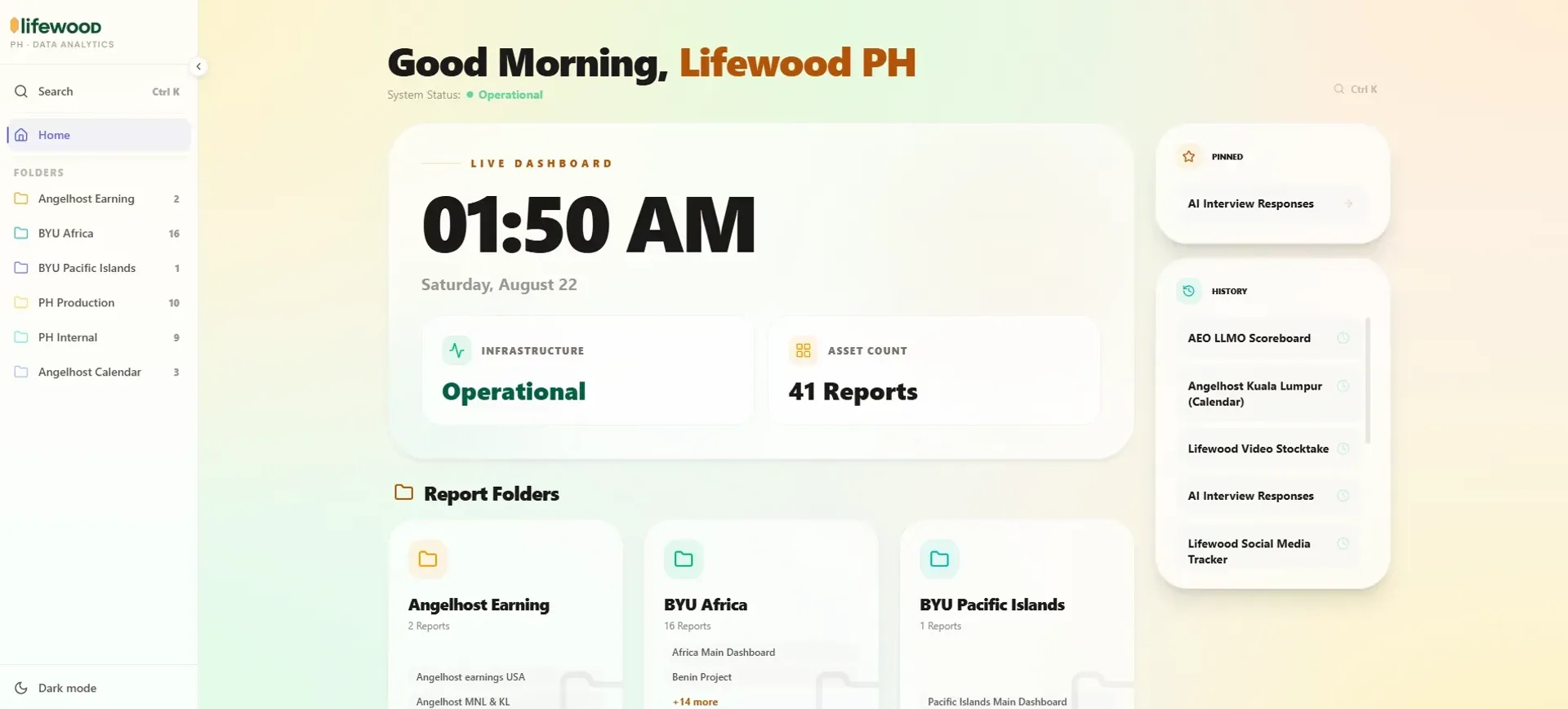
An internal report portal that lets authenticated users browse, search and view embedded Power BI reports, organised by category and access-controlled by role.
Year
2025
Role
Full-stack Developer
Client
Lifewood Data Technology
Stack
Next.js 15, Supabase, Tailwind CSS, Framer Motion, GSAP, Vercel
Internal Lifewood portal, no public demo.
01
The problem
Lifewood's business reports lived inside Power BI. Useful, but only if you had a license and knew where to look. Most of the team didn't. Reports were scattered, access was inconsistent, and there was no organised way to discover what data existed or who could see what. The ask was simple: make the reports accessible, organised, and controlled.
02
What I built
A full-stack internal portal that embeds Power BI reports directly in the browser, no viewer license required. Users log in via Supabase, land on a categorised report library, and can search, filter and view any report they have access to. Favorites and recents persist per user so nothing gets buried.
Decisions that shaped the portal
Role-based access
Admins and regular users see different interfaces; report visibility is controlled without touching Power BI's own permission system.
Admin panel
Full CRUD for reports and categories, Excel source management, and a complete activity log so every change is traceable.
Embed approach
Public embed URLs kept the integration lightweight and maintainable, avoiding SDK complexity.
Next.js 15 App Router handles routing and server components, Supabase covers auth and all persistent data, Tailwind does the styling, and Framer Motion plus GSAP drive the particle card effects and page transitions.
03
What I learned
This was the first time I built something people used on the clock. It sharpened everything. I stopped guessing what mattered and started watching where they slowed down. Search got better. Categories got renamed. Features I didn't plan showed up in requests after the first deploy: the activity log, the Excel manager, the folder toggles. That's the job: build the core solid and stay close to the people using it.