
Web Apps
Taskflow
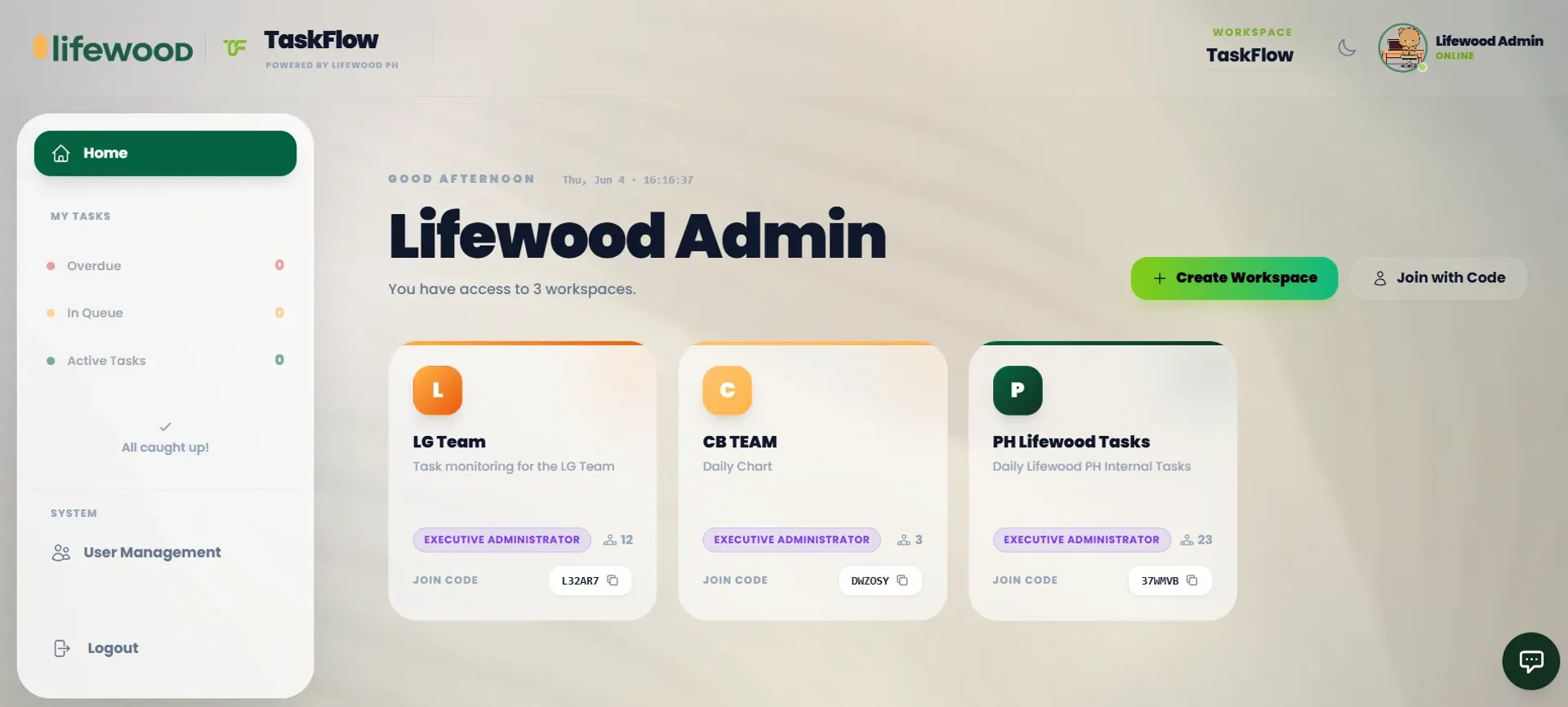
A collaborative task platform with board, calendar and Gantt views, real-time presence and performance charts, so teams can work the way each person works best.
Year
2026
Role
Full-stack Developer
Client
Lifewood Data Technology
Stack
React, TypeScript, Vite, Supabase, Chart.js, Tailwind CSS
Internal Lifewood tool, no public demo.
01
The problem
Teams struggle with scattered task management. Spreadsheets go out of sync, standalone apps don't integrate with existing workflows, and managers can't see the full picture of who's doing what. People needed a single source of truth where teams could see tasks, timelines and performance in one place without complexity.
02
What I built
TaskFlowLW brings team collaboration into one platform. It combines multiple ways to view and manage work (kanban boards, calendars, Gantt charts) so each team member works how they work best.
What the workflow needed to get right
Multiple view modes
Board, calendar and Gantt views let teams switch contexts without losing data, instead of forcing one workflow on everyone.
Real-time presence and analytics
Teams see who's online, task completion trends and bottlenecks through performance charts, so decisions are data-informed.
Role-based access control
Admins manage teams and permissions while members focus on execution: the right people see the right information.
React powers the UI with TypeScript for reliability, Vite keeps build times fast, Supabase handles authentication and real-time data sync, and Chart.js visualises performance trends. The architecture handles multiple workspaces so teams stay organised.
03
What I learned
Building a multi-user system taught me that real-time sync is non-negotiable. A second of lag breaks trust. I learned to think about roles early in design, because bolting permissions on later creates inconsistencies. This project also showed me that flexibility beats forcing a rigid process. If I revisited it, I'd add deeper automation and notification customisation based on team feedback.